
AI for Startups: How to Work Like a Team Twice Your Size (2026)
AI for startups is the use of artificial intelligence tools and platforms that allow early-stage companies to accomplish work traditionally requiring a much larger team. Instead of hiring ten people to handle marketing, research, customer support, and product development, a lean startup can deploy AI across all four functions and produce output that rivals a team twice its size.
That is not hype. It is the new operational reality for founders who know where to look.
In this guide, we break down exactly how startups use AI across four core business areas: marketing content creation, business research, customer support automation, and product development. For each use case, you will find specific tools with pricing, real ROI data, and practical implementation advice you can act on this week.
At Pixel Studio Creations, we have spent over ten years helping businesses leverage technology to compete with larger players. The rise of affordable AI tools has made that mission more achievable than ever.
Note: This is a different angle from our earlier piece on AI augmentation vs. replacement. That article explores how AI changes the nature of work. This post focuses on how startups specifically can use AI to multiply their output.
How Startups Use AI: Why It Is a Game-Changer
Every startup faces the same problem: you need enterprise-level output, but you have a founder’s budget and a team of three to five people. Before AI became affordable and accessible, that gap was nearly impossible to close. You either bootstrapped through it or raised enough capital to hire.
AI changes the math entirely.
According to McKinsey’s 2025 Global Survey on AI, 77 percent of companies now use or explore AI in at least one business function. Among startups and small businesses, adoption is accelerating fast because the tools are affordable, the results are measurable, and the competitive pressure is real.
Here is what that looks like in practice:
- Startups adopting AI report 20 to 40 percent cost reductions across operational functions, according to McKinsey research.
- A 5-person startup using AI tools can match the output of a 10-person team at a fraction of the cost.
- AI tools that once cost thousands per month now start at free or under $50/month.
The shift from “AI as luxury” to “AI as table stakes” happened faster than most founders expected. The question is no longer whether to adopt AI. It is how quickly you can implement it across the areas that matter most, and how AI helps startups scale without proportional headcount growth.
Let’s walk through each one.

AI for Marketing Content: Create More, Faster
Content marketing is the highest-ROI entry point for startups adopting AI. Here is why: most early-stage companies know they need blog posts, social media content, and email campaigns, but they lack the bandwidth to produce them consistently. AI solves that bottleneck.
What AI Can Do for Your Marketing
Blog post creation. AI writing assistants generate drafts, outlines, and full articles in minutes. You still need a human editor to add your voice and verify facts, but the raw production time drops from hours to minutes.
Social media content. AI tools generate captions, suggest posting schedules, and even create visual content. A founder who spent two hours a day on social media can cut that to 30 minutes.
Email marketing. AI optimizes subject lines, personalizes content for different segments, and A/B tests variations automatically. HubSpot’s State of AI Report found that marketers using AI for email see 15 to 25 percent higher open rates.
Tools for AI Marketing Content
| Tool | Price | Best For | Ease of Use |
|---|---|---|---|
| ChatGPT Plus | $20/mo | Writing, brainstorming, content outlines | Beginner-friendly |
| Jasper AI | $39/mo | Marketing-specific copy and ad text | Intermediate |
| Canva AI | $12.99/mo | Visual content, social graphics | Beginner-friendly |
| Surfer SEO | $49/mo | Content optimization and keyword targeting | Intermediate |
Real-World ROI: Content Marketing with AI
Consider a typical scenario. A startup founder spends 20 hours per week creating blog posts, social media content, and email campaigns. That is half of a full-time work week just on content.
With AI tools in the workflow:
- Drafting a 1,500-word blog post: 3 hours (manual) vs. 45 minutes (AI-assisted)
- Creating a week of social media posts: 4 hours (manual) vs. 1 hour (AI-assisted)
- Writing and testing 3 email campaigns: 6 hours (manual) vs. 2 hours (AI-assisted)
That is a savings of roughly 15 to 17 hours per week. For a startup founder, those hours go directly into product development, sales, or strategy.
Practical tip: Start with blog posts. They compound over time (evergreen SEO traffic) and give you the clearest measurement of time savings. Tools like AI website management can help you integrate AI into your existing WordPress site without a full rebuild.

AI for Business Research: Smarter Decisions, Faster
Market research is where startups often fall behind. Large companies have dedicated research teams and expensive analytics platforms. Startups, on the other hand, typically rely on the founder’s instincts and a handful of Google searches.
AI levels that playing field.
What AI Can Do for Your Research
Market research automation. AI tools analyze survey results, identify trends across hundreds of data sources, and synthesize findings into actionable insights. What used to take a research team weeks now takes hours.
Competitor analysis. AI-powered platforms monitor competitor websites, track their pricing changes, and analyze their content strategies automatically. You get real-time intelligence without hiring an analyst.
Customer insight gathering. AI performs sentiment analysis on reviews, social media mentions, and support tickets. You can understand what customers actually think about your product at scale.
Tools for AI Research and Analysis
| Tool | Price | Best For |
|---|---|---|
| Perplexity AI | Free tier available | Research queries with citations |
| Crayon | $19/mo | Competitor monitoring and intelligence |
| SparkToro | $38/mo | Audience research and influencer discovery |
| Notion AI | $10/mo add-on | Research note organization and summarization |
From Data to Decisions: The AI Research Workflow
Here is a practical workflow for using AI in your research process:
- Gather. Use Perplexity AI or ChatGPT to pull together background research on your market, competitors, or target audience. Ask specific questions and request sources.
- Analyze. Feed the raw data into tools like SparkToro or Crayon for deeper analysis. These tools identify patterns you would miss manually.
- Synthesize. Use Notion AI or ChatGPT to create summaries, comparison documents, or decision frameworks from your findings.
- Decide. Make your decision based on AI-augmented analysis, not gut instinct alone.
Example: A SaaS startup validating a new product feature used Perplexity AI to research the competitive landscape, SparkToro to understand audience preferences, and ChatGPT to synthesize findings into a go/no-go decision document. The entire process took one afternoon instead of the two weeks it would have taken with manual research.
The key principle: use AI to synthesize, not replace, your judgment. AI gives you better inputs. You still make the decisions.
AI for Customer Support: Scale Service Without Scaling Headcount
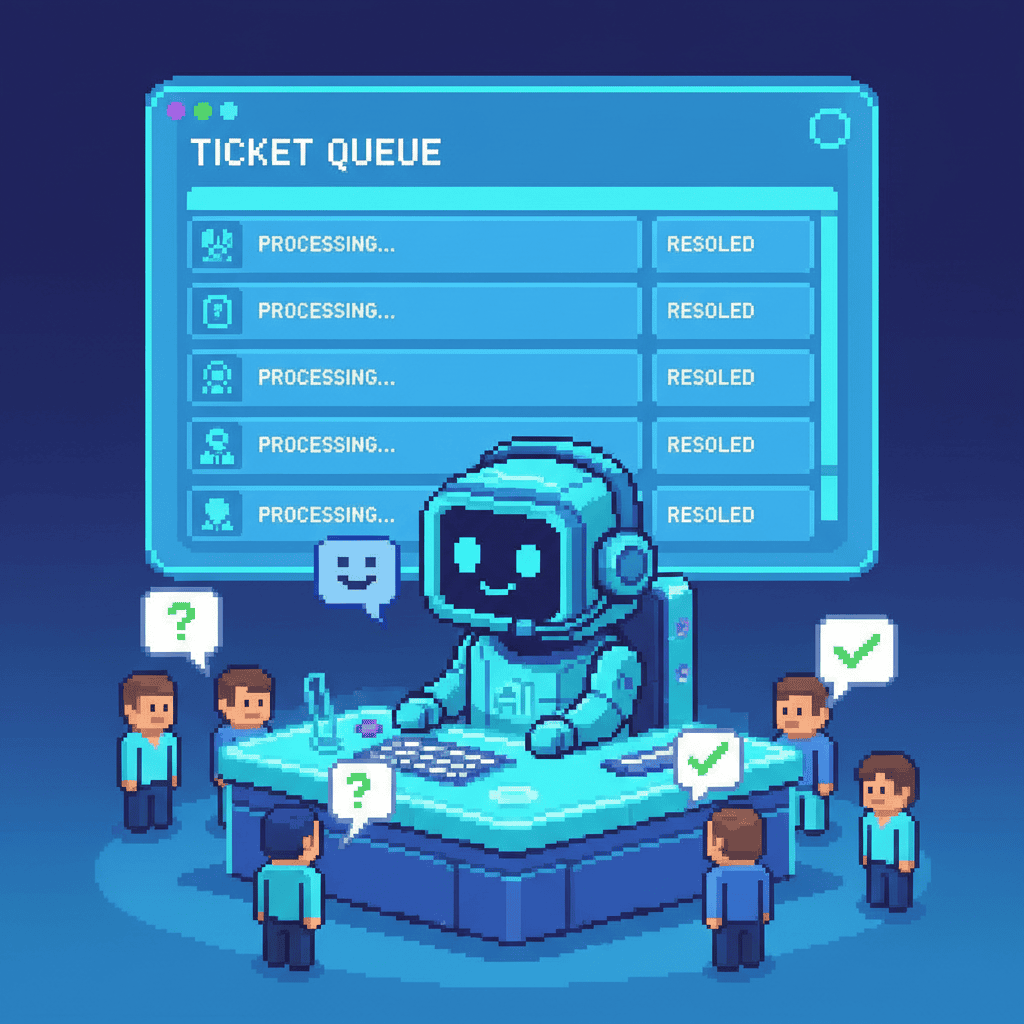
Customer support is one of the most immediately impactful areas for AI implementation. The reason is simple: most startup support tickets are repetitive. Questions about pricing, features, setup, and policies account for 40 to 60 percent of all support volume. AI handles those effortlessly.
What AI Can Do for Your Support
Chatbot implementation. Modern AI chatbots understand natural language, answer questions from your knowledge base, and escalate complex issues to humans. You can go from zero to a live chatbot in under a week.
FAQ automation. AI identifies the most common questions and creates automated responses. This reduces repetitive ticket volume by 40 to 60 percent, according to Gartner research. The key is targeting the right questions: price, features, setup, and policies.
Ticket routing. AI-powered triage systems categorize incoming tickets by urgency, topic, and required expertise, routing them to the right person automatically.
Tools for AI Customer Support
| Tool | Price | Best For | Ease of Setup |
|---|---|---|---|
| Intercom | $39/mo | Full support suite with AI capabilities | Intermediate |
| Tidio | $29/mo | Chatbot for small websites | Beginner-friendly |
| Zendesk AI | $19/mo | Ticket automation and routing | Intermediate |
| Chatbase | Free tier available | Custom chatbot trained on your data | Beginner-friendly |
ROI of AI Customer Support
The numbers tell the story:
- Cost per ticket: Manual support costs $15 to $25 per ticket. AI-assisted support drops that to $3 to $8 per ticket.
- Time to first response: Manual support averages 2 to 4 hours. AI chatbots respond in under 1 minute, 24/7.
- Support cost reduction: Startups implementing AI chatbots typically see 30 to 50 percent reduction in overall support costs within the first quarter.
The human plus AI balance matters here. AI handles the repetitive questions. Your team handles the complex, emotionally sensitive, or high-stakes interactions. The result: your support team spends more time on the work that actually requires a human.
Practical tip: Start with a chatbot that answers your top 20 most common questions. Measure the deflection rate (percentage of inquiries handled without human intervention) for two weeks, then expand from there. Tools like AI-powered website tools can help you integrate support automation directly into your WordPress site.
AI for Product Development: Build Faster, Test Smarter
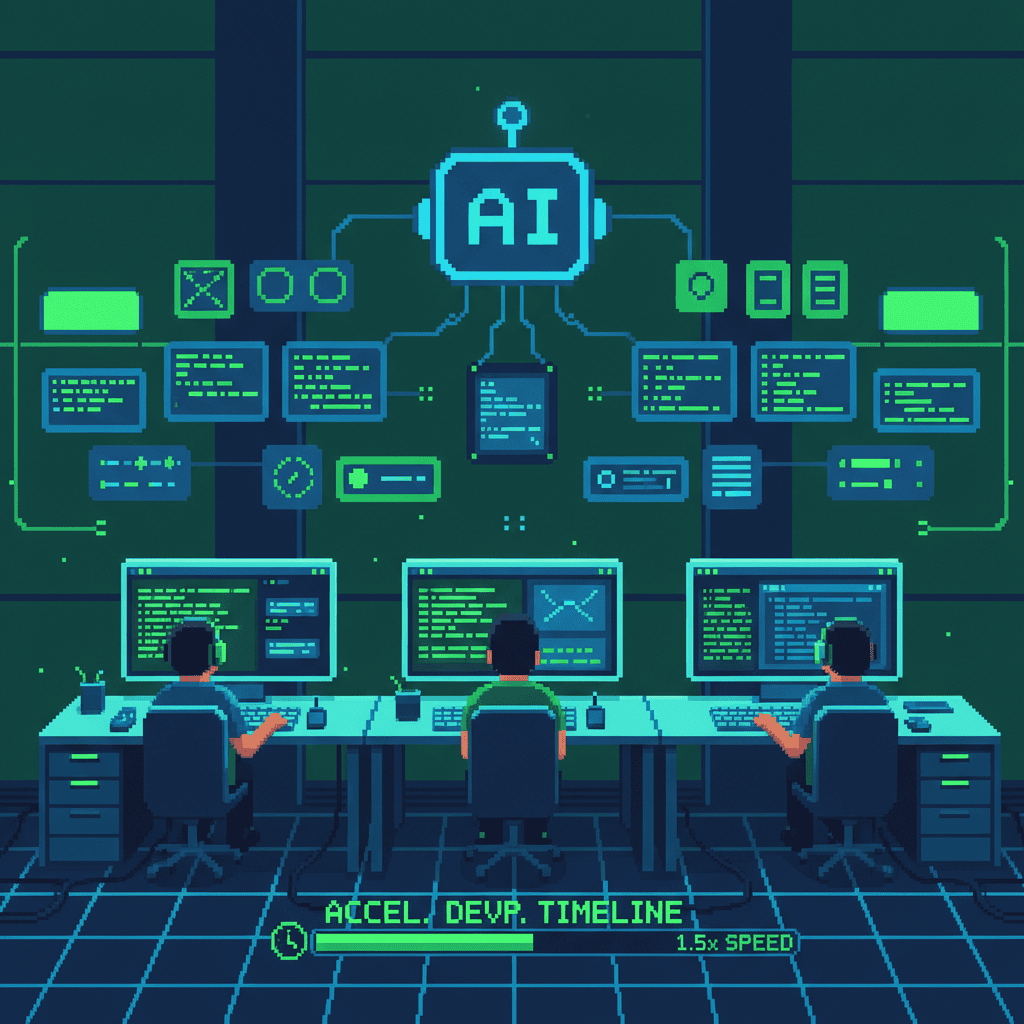
Product development is where AI’s impact is perhaps most surprising to startup founders. The perception that AI is only useful for writing and marketing misses a massive opportunity: AI accelerates the entire product development lifecycle, from ideation to testing.
What AI Can Do for Your Product Development
Code generation. AI coding assistants write boilerplate code, suggest implementations, and debug errors. Developers using AI report 30 to 50 percent faster coding speeds, according to GitHub’s research on Copilot adoption.
User feedback analysis. AI mines reviews, support tickets, and survey responses to identify feature requests, pain points, and usage patterns. You get product insights without a dedicated UX research team.
Prototyping acceleration. Tools like v0 by Vercel generate UI components from text descriptions. What used to take a designer days now takes minutes.
Tools for AI-Assisted Product Development
| Tool | Price | Best For |
|---|---|---|
| GitHub Copilot | $10/mo | AI code assistant and autocomplete |
| Cursor | $20/mo | AI-first code editor for faster development |
| v0 by Vercel | Free tier available | UI component generation from descriptions |
| UserVoice + AI | Varies | Feedback analysis and prioritization |
AI in the Product Development Lifecycle
Here is where AI fits at each stage:
- Ideation. Use AI to research market gaps, analyze competitor products, and validate feature ideas with data.
- Prototyping. Generate UI components and wireframes with AI tools. Go from concept to interactive prototype in days instead of weeks.
- Development. AI coding assistants accelerate implementation. Developers focus on architecture and logic while AI handles boilerplate and repetitive code.
- Testing. AI generates test cases, identifies edge cases, and automates regression testing.
- Iteration. AI analyzes user behavior data and feedback to prioritize the next set of improvements.
The key insight: AI for product development is about speed, not replacing developers. Your engineers become more productive. Your timelines compress. Your competitive advantage grows.
Practical tip: If you are building a WordPress-based product or website, explore AI-powered website tools to integrate AI features directly into your site without custom development.
Building Your AI Starter Stack: Best AI Tools for Startups
Knowing which AI tools for startups to use is only half the equation. The real question is: how do you build an AI stack that fits your budget? Here are three recommended configurations that cover marketing, research, support, and product development.
Recommended Stacks by Budget
| Budget Tier | Tools Included | Monthly Cost | Best For |
|---|---|---|---|
| $0 (Free) | ChatGPT Free, Perplexity Free, Canva Free, Chatbase Free | $0 | Solo founders validating an idea |
| $100/month | ChatGPT Plus + Tidio + Surfer SEO + GitHub Copilot | ~$98 | Early-stage startups with a small team |
| $300/month | ChatGPT Plus + Intercom + Jasper + Cursor + SparkToro | ~$296 | Growth-stage startups scaling operations |
Your First 30 Days with AI
Week 1: Pick one use case. Start with the area that consumes the most time. For most startups, that is marketing content. Choose one tool from the marketing stack and sign up for a free trial.
Week 2: Set up and experiment. Run your first AI-assisted workflow. Write a blog post with ChatGPT, generate social media content with Canva AI, or set up a chatbot with Tidio. Focus on learning the tool, not perfection.
Week 3: Measure results. Track time saved, output quality, and any issues. Compare your AI-assisted workflow to your previous manual process. Most startups see a clear time savings within the first week.
Week 4: Expand to a second use case. Add a tool for your next priority area. If you started with marketing, add customer support. If you started with support, add research tools.
Common Pitfalls to Avoid
- Don’t try to implement everything at once. Start with one use case, master it, then expand. Trying to deploy AI across all four areas simultaneously overwhelms small teams.
- Don’t expect AI to replace human judgment. AI generates drafts, suggests options, and automates repetitive work. You still need humans for strategy, quality control, and relationship-building.
- Don’t skip the measurement step. If you cannot quantify the time or money saved, you cannot make informed decisions about expanding your AI investment.
How Does AI Compare to Hiring More Employees?
This is the question every startup founder asks: should I invest in AI tools or hire another person?
The honest answer is that it depends on the function. But here is the framework:
| Factor | AI Tools | New Hire |
|---|---|---|
| Monthly cost | $20 to $300/month | $3,000 to $8,000/month |
| Time to value | Days | Weeks to months |
| Availability | 24/7 | Business hours |
| Consistency | High | Variable |
| Judgment and creativity | Limited | High |
| Scalability | Instant | Slow |
The best approach combines both. Use AI to handle repetitive, high-volume tasks. Hire people for strategic, creative, and relationship-oriented work. A 5-person startup using AI tools effectively operates with the output capacity of a 10-person team.
The key distinction is that AI augmentation means your existing team becomes more productive. It does not mean your team disappears.
When to hire: you need someone who builds relationships, makes judgment calls, or brings creative vision that AI cannot replicate.
When to implement AI: you have repetitive tasks consuming hours of your team’s time every week.
For most startups, the answer is “both, in the right order.” Start with AI to maximize your current team’s output. Hire when the workload justifies it and you have the budget.
Frequently Asked Questions
How can AI help a startup save money?
AI tools reduce the need for large teams by automating repetitive tasks. Startups typically save 20 to 40 percent on operational costs by implementing AI for content creation, customer support, and data analysis. The savings come from reduced labor hours, fewer errors, and faster turnaround times.
What AI tools should a startup use first?
Start with AI tools that solve your most time-consuming problems. For most startups, this means AI writing assistants for marketing, chatbots for customer support, and research tools for market analysis. Focus on one area first, measure the results, then expand.
Is AI too expensive for small startups?
Most AI tools now offer free tiers or affordable plans ranging from $20 to $50 per month. Startups can implement a basic AI stack for under $200 per month, which is less than one hour of a contractor’s time. The ROI typically exceeds the cost within the first month.
How does AI compare to hiring more employees?
AI augments your existing team rather than replacing hires. A 5-person startup using AI tools can match the output of a 10-person team at a fraction of the cost. The best strategy combines AI for repetitive work with human hires for strategic and creative roles.
Can AI help with product development?
Yes. AI accelerates prototyping, automates testing, generates code, and analyzes user feedback. Many startups use AI to cut product development timelines by 30 to 50 percent. Tools like GitHub Copilot and Cursor are popular choices among development teams.
How do I implement AI in my startup?
Start with one use case, usually content or customer support. Choose a tool with a free trial, measure time savings over two weeks, then expand to a second area. Most startups see measurable results within the first week of implementation.
Let Your Small Team Do Big Things
AI for startups is not about replacing your team. It is about giving your team superpowers. When a 5-person startup can produce the output of a 10-person team, the playing field changes. You can compete with bigger competitors, launch faster, and serve customers better.
The four areas we covered, how startups use AI for marketing, research, customer support, and product development, represent the highest-impact opportunities for startup AI adoption. Start with one. Measure the results. Expand from there.
Ready to find out which AI tools fit your startup? Contact Pixel Studio Creations for a free consultation. We help businesses implement practical technology solutions that deliver real results.
Looking for more ways to leverage AI for your business? Check out our guides on optimizing your WordPress site and everyday business tasks you should already be using AI for.