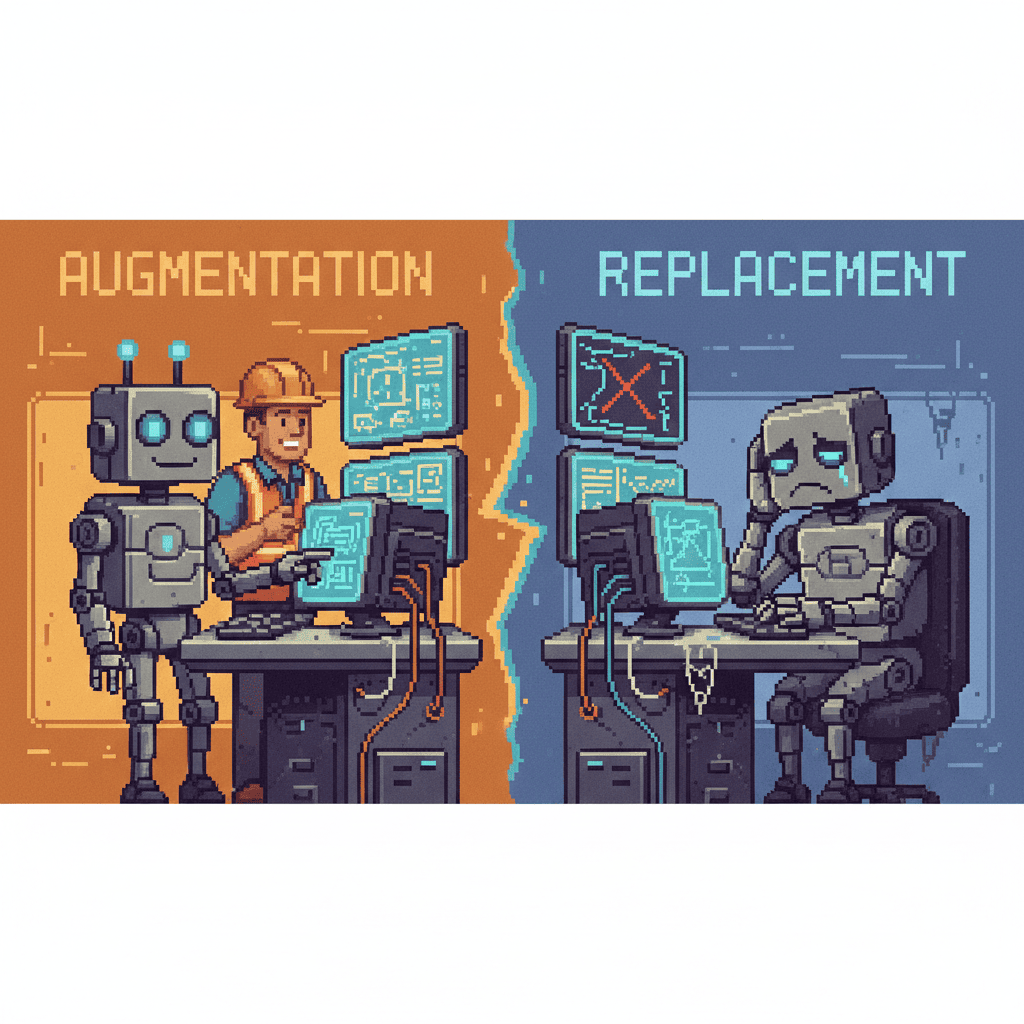
Every week, another headline warns that AI is coming for your job. The fear is real — surveys show 60–70% of workers worry about being replaced by artificial intelligence. But the data tells a different story. Research from McKinsey, the World Economic Forum, and Harvard Business Review consistently shows that AI is replacing tasks, not jobs — transforming tasks, not people. The roles most at risk aren’t entire positions; they’re the repetitive, data-heavy, rule-based activities that most employees find least fulfilling anyway.
In this guide, we’ll break down the difference between AI automation and augmentation, explore exactly which tasks AI handles well (and which it can’t touch), look at real-world examples of AI helping employees rather than replacing them, and walk through a practical four-step framework for adopting AI augmentation in your small business. Whether you run a WordPress site, manage a growing team, or wear every hat in a one-person operation, the message is the same: AI is replacing tasks, not jobs — and that’s actually good news for small businesses looking to do more with their existing team.
The Fear vs. Reality of AI in the Workplace
Let’s start by validating what you’re feeling. If you’ve read a headline about AI layoffs or seen a tech company announce “workforce optimization” tied to automation, anxiety is a natural response. The media has strong incentives to frame AI as a threat: fear drives clicks, and nuance doesn’t sell papers. But public perception and research findings are diverging sharply.
According to McKinsey research, while 60–70% of work activities are technically automatable with current technology, fewer than 5% of occupations can be fully automated. That’s a critical distinction. AI doesn’t wholesale replace a job — it breaks a job into its component tasks and automates the ones that fit a clear pattern. The rest still needs a human.
The WEF Future of Jobs Report 2025 projects that by 2027, approximately 83 million jobs will be displaced globally — but 69 million new roles will be created. The net effect isn’t mass unemployment; it’s mass transformation. New job categories are emerging around AI oversight, data interpretation, human-AI collaboration, and AI ethics. The workers who thrive will be the ones who learn to work alongside AI, not against it.
Here’s what this means for small business owners: your team isn’t at risk of being replaced. The repetitive tasks your team dreads — data entry, scheduling, routine customer responses, invoice processing — those are what AI handles best. And when AI takes those tasks off your team’s plate, your people are freed up for the work that actually grows your business: building relationships, solving complex problems, and creating something new.
Automation vs. Augmentation: What’s the Difference?
Understanding the distinction between AI automation and AI augmentation is essential for making smart decisions about where to deploy AI in your business. These terms get used interchangeably in headlines, but they describe fundamentally different approaches — and most successful AI implementations are augmentation, not replacement.
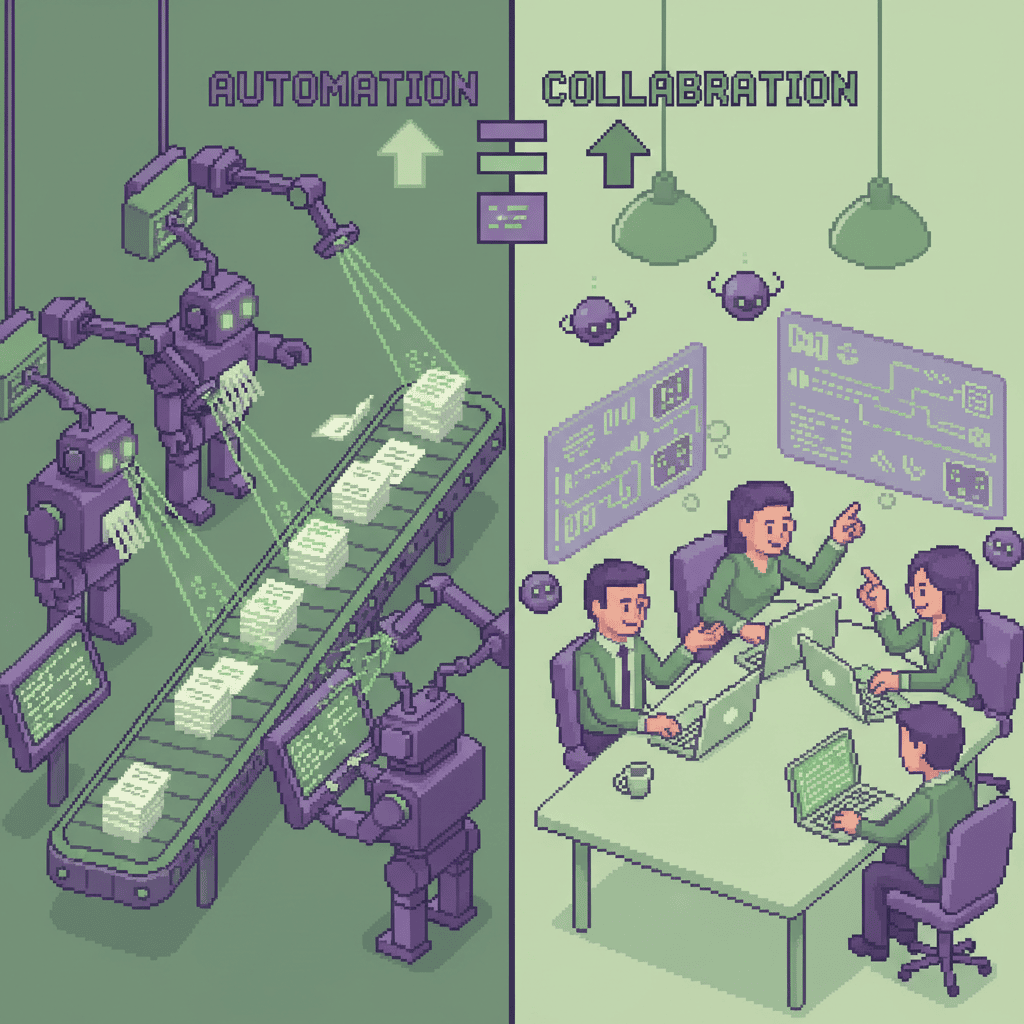
AI automation means the AI performs a task end-to-end with minimal human involvement. Think of an automated invoice processing system that reads a PDF invoice, extracts the data, matches it to a purchase order, and enters it into your accounting software — all without a human touching it. Automation works best for tasks that are repetitive, structured, and follow clear rules.
AI augmentation means the AI assists a human, making them faster, more accurate, or more productive — but the human retains decision-making authority. An AI tool that drafts a blog post for your review, suggests email subject lines based on past performance, or flags anomalies in your financial data for your accountant to investigate — that’s augmentation. The AI does the grunt work; you do the thinking.
| AI Automation | AI Augmentation | |
|---|---|---|
| What it does | Replaces human task entirely | Assists and enhances human performance |
| Human role | Monitor/supervise | Direct and collaborate |
| Best for | Repetitive, rule-based tasks | Creative, complex, judgment-heavy tasks |
| Example | Auto-sending invoices | AI drafting emails for human review |
| Small business use | Automating bookkeeping data entry | AI helping write marketing copy |
| Risk level | Higher (replaces tasks) | Lower (enhances workers) |
AI Automation: Taking Over Repetitive Tasks
Automation excels at tasks with a clear input-process-output pattern. Data entry, form processing, scheduled report generation, and basic customer queries all fit this mold. The value proposition is straightforward: AI processes these tasks faster than humans, makes fewer errors, runs 24/7, and costs a fraction of a full-time employee’s salary.
For a small business, automated invoice processing alone can save 5–10 hours per week. Automated appointment scheduling eliminates the back-and-forth of finding meeting times. Automated social media posting ensures your marketing doesn’t stall when you’re busy with client work. These aren’t hypothetical savings — they’re measurable, immediate, and available through tools most small businesses can afford.
AI Augmentation: Making Humans Better at Their Jobs
Augmentation is where the real transformation happens. When AI handles the routine portions of a knowledge worker’s job, that person can focus on the high-value work that requires human judgment, creativity, and emotional intelligence. A content marketer using AI to draft blog outlines spends less time staring at a blank page and more time refining strategy and brand voice. A customer service agent with AI-suggested responses resolves tickets faster while maintaining a personal touch.
Harvard Business Review’s research on generative AI in knowledge work found that AI augmentation consistently outperforms full automation in complex work environments. The reason is simple: most business tasks aren’t purely mechanical. They require context, judgment, and nuance that AI can support but not replicate. Augmentation leverages the best of both — AI’s speed and pattern recognition paired with human insight and creativity.
What Types of Tasks AI Handles Well
Not every task is a good fit for AI. Understanding which tasks work well with automation helps you prioritize where to invest your time and resources. The framework is simple: AI excels at tasks that are repetitive, data-heavy, rule-based, or predictable. If a task follows a consistent pattern and doesn’t require subjective judgment, AI can likely handle it — or at least handle the routine portions.
Data Entry and Processing
Invoice processing, CRM data updates, spreadsheet management, and form processing are prime candidates. AI handles these through pattern recognition, optical character recognition (OCR), and built-in validation rules. For a small business, this means eliminating the most tedious admin work that pulls your team away from meaningful tasks. Instead of spending an hour manually entering data from a stack of receipts, your bookkeeper reviews what the AI has already categorized and flagged for attention.
Scheduling and Calendar Management
Meeting scheduling, appointment booking, and resource allocation involve time-zone logic, preference matching, and conflict detection — all tasks AI handles well. Small businesses typically lose 3–5 hours per week to scheduling back-and-forth. AI scheduling tools like Calendly or Acuity handle the logistics automatically, letting your team focus on the meetings themselves rather than the mechanics of setting them up.
Customer Service Triage
AI chatbots and automated response systems can handle FAQ responses, order status inquiries, and basic support tickets. They classify intent, match responses to templates, and route complex cases to the right human. For small businesses, this means 24/7 first-line support without hiring a dedicated support team. Your customers get instant answers to common questions, and your team handles the interactions that actually require human empathy and problem-solving.
Content Generation and Editing
Blog drafts, social media captions, email newsletters, and product descriptions are areas where AI has made the biggest recent impact. AI handles first drafts, grammar checks, SEO suggestions, and content repurposing — turning a blog post into social media snippets or email copy. A small marketing team can produce three times the output by using AI for first drafts and human editors for brand voice refinement and strategic direction.
Website Maintenance and Updates
Plugin updates, security monitoring, performance optimization, and content scheduling are routine WordPress tasks that AI can manage. Just as AI can automate website maintenance tasks, it can automate repetitive business tasks across your organization. AI-powered WordPress tools handle auto-updates, uptime monitoring, and security scanning — keeping your site secure and performing well without manual oversight.
What AI Can’t Replace (And Why)
Understanding what AI can’t do is just as important as knowing what it can. These are the areas where your human team remains irreplaceable — and where they should focus their energy once AI handles the routine work.
Creativity and Innovation
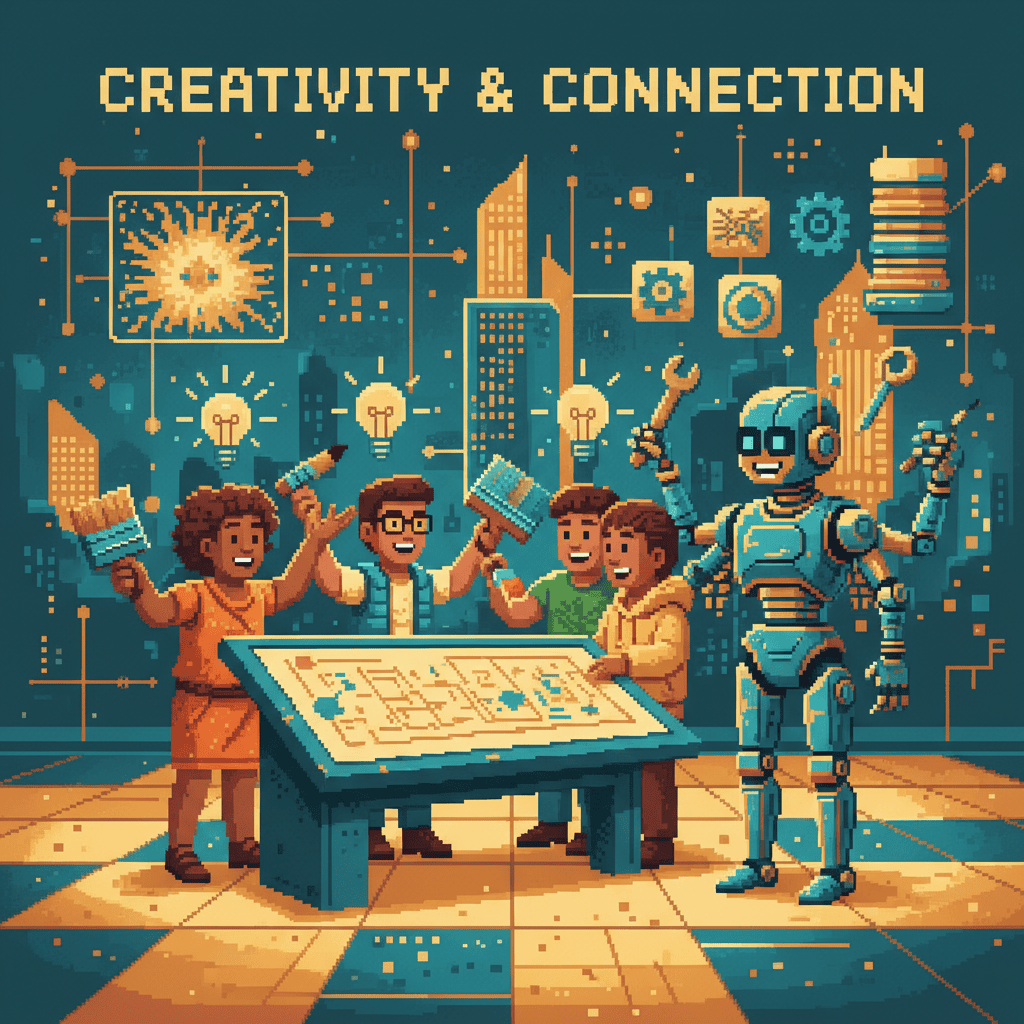
Original ideation, brand voice development, and novel problem-solving are fundamentally human capabilities. AI generates content from patterns in existing data; humans create from insight, intuition, and lived experience. When your marketing team has AI handling first drafts and data analysis, they can spend more time on creative strategy — developing campaigns that feel authentic and resonate with your audience in ways that pattern-matched content never will.
Emotional Intelligence and Empathy
Client relationships, team management, and conflict resolution require reading context, tone, and unspoken cues. A customer who’s frustrated doesn’t just need a correct answer — they need to feel heard. A team member going through a difficult period needs a manager who can sense when something’s wrong, not just when deadlines are missed. These deeply human skills are exactly what technology can’t replicate.
Complex Strategic Decision-Making
Business pivots, market positioning, and long-term planning require weighing competing priorities, values, and uncertainties. AI provides excellent data analysis and scenario modeling — but the final decision about which direction to take involves judgment that considers your team’s capabilities, your customers’ needs, your values, and a dozen factors that don’t reduce to numbers on a spreadsheet.
Relationship Building
Trust, loyalty, partnerships, and community engagement are built through consistent, authentic human connection. For small businesses, relationships often are the product. Your clients chose you because of the relationship they have with you — and no AI tool can maintain that bond. What AI can do is free up the time you need to invest in those relationships.
Real-World Examples: AI Augmenting Employees
Theory is useful, but examples make it real. Here’s how AI augmentation is working across different industries — with specific outcomes for employees and businesses.
Healthcare: AI-Assisted Diagnostics
In healthcare, AI analyzes medical images and flags potential anomalies for physician review. Radiologists using AI-assisted diagnostic tools have seen diagnostic accuracy improve by 15–30%, according to MIT Sloan research. The AI doesn’t replace the radiologist — it gives them a second set of eyes that never gets tired, never misses a pattern, and processes images in seconds rather than minutes. The result: faster diagnoses, fewer errors, and physicians who can focus on the cases that require their expertise.
Marketing: AI-Powered Content Creation
Marketers using AI tools for content generation report 40%+ productivity gains in content output. AI generates draft blog posts, suggests headlines, creates A/B test variations, and repurposes long-form content into social media snippets. But the strategy, brand voice, and creative direction still come from humans. The marketer’s role shifts from grinding out first drafts to curating, refining, and strategically deploying content that actually connects with the audience.
Customer Service: AI Handling Routine Inquiries
AI resolves 60–80% of routine customer service tickets — order status questions, password resets, basic product inquiries — without human intervention. Complex or emotionally charged cases still escalate to human agents, who can now focus on the interactions that require empathy and problem-solving. The result: customers get faster answers to common questions, agents handle more meaningful work, and job satisfaction improves because employees aren’t spending all day on repetitive inquiries.
Small Business: AI Automating Admin Tasks
The U.S. Chamber of Commerce’s AI Monitor data shows that small businesses adopting AI tools report the biggest gains in administrative efficiency. Bookkeeping, scheduling, email filtering, and appointment reminders are tasks that consume disproportionate time for small teams. One-person operations using AI report gaining the administrative efficiency of a small team — letting the founder focus on business development, client relationships, and strategic work that actually drives growth.
How Small Businesses Are Using AI to Free Up Teams
This is where it gets personal. If you’re a small business owner, these are the specific areas where AI augmentation can free up your team — and your time.
WordPress Site Management
AI plugins for auto-updates, security scanning, and content scheduling take website maintenance off your plate. Your WordPress site can be one of the first places you experience AI automation for websites — with AI tools that monitor uptime, optimize performance, and handle routine updates without manual oversight. The result: a professional, secure website that stays current without requiring a dedicated tech person on your team.
Customer Communication
AI chatbots handle first-response customer inquiries, automated email replies acknowledge messages immediately, and AI-powered review management tools help you respond to feedback at scale. For a small business, this means never missing a lead — even after hours. Your customers get the fast, responsive experience they expect, and your team handles the conversations that build real relationships.
Financial Tasks
AI-powered bookkeeping tools like QuickBooks AI and Xero AI handle expense categorization, invoice automation, and financial report generation. Instead of your accountant spending hours categorizing transactions, the AI handles the routine classification and flags anything unusual for human review. The result: accurate books, faster month-end closes, and financial data that’s always current — without an accountant on staff.
Marketing Automation
AI email campaigns optimize send times and subject lines. Social media scheduling tools post at peak engagement times. Audience segmentation happens automatically based on behavior and preferences. For a small business, this means competing with larger companies’ marketing budgets by using AI to work smarter — reaching the right people with the right message at the right time, without a marketing department.
The Productivity Gains From Human + AI Collaboration
The evidence is clear: human-AI collaboration produces results that neither can achieve alone. These aren’t theoretical projections — they’re measured outcomes from real businesses.
The Numbers That Matter:
- 40–60% faster task completion with AI assistance (McKinsey)
- 14% productivity increase for AI-assisted customer service agents (Harvard/NYU)
- $2.6–4.4T potential annual value from generative AI globally (McKinsey Global Institute)
- 69M new jobs projected by 2027 despite AI displacement (WEF)
- 20–30% wage premium for AI-skilled workers (WEF)
What’s critical to understand is that these gains come from humans and AI working together — not from AI working alone. McKinsey’s analysis found that generative AI’s economic potential is maximized when it augments human workers rather than replacing them. The 40–60% productivity gain isn’t from AI doing the work faster — it’s from AI handling the routine portions so humans can focus on the parts that require judgment, creativity, and context.
For small businesses, this is especially powerful. You don’t need to hire more people to get more done. You need your existing team working on the right things — and AI handles the rest.
Practical Steps to Adopt AI Augmentation in Your Business
Knowing the theory is one thing. Putting it into practice is another. Here’s a simple four-step framework you can start implementing today.
Step 1: Identify Your Repetitive Tasks
Audit your team’s weekly tasks. Flag anything that’s data entry, templated, or rule-based. A quick exercise: ask yourself, “What would I do if this task didn’t exist?” If the answer is “nothing important” or “I’d just do something more productive,” it’s a candidate for AI automation.
Common examples for small businesses: invoice processing, appointment scheduling, email filtering, social media posting, basic customer responses, and website updates. Write down the top five tasks that consume the most time with the least creative value.
Step 2: Start With One Process
Don’t try to automate everything at once. Pick the single task that consumes the most time with the least strategic value. Common starting points: email management, appointment scheduling, or invoice processing. The goal is to get a quick win — a measurable improvement that builds confidence and demonstrates ROI.
Step 3: Measure the Impact
Track three metrics before and after: time saved per week, error rate reduction, and employee satisfaction. Set a 30-day review point. Simple measurement — hours saved, tasks completed, mistakes avoided — tells you whether the AI tool is delivering on its promise and gives you data to justify expanding.
Step 4: Scale What Works
Once one process proves ROI, expand to the next. Build an internal “AI playbook” of what works for your team — which tools you use, how you’ve configured them, and what results you’ve achieved. Reinvest the saved time into growth activities: marketing, client relationships, innovation, and strategic work that drives your business forward.
Not sure where to start? Contact us — we help small businesses identify and implement AI augmentation strategies, from WordPress site management to marketing automation.

The Future of Work: Humans + AI, Not Humans vs. AI
The evidence is overwhelming: AI augments, it doesn’t replace. The businesses that embrace augmentation early gain a competitive advantage — not by cutting headcount, but by redirecting their team’s energy toward the work that matters most.
Small businesses have a natural advantage here. You’re nimble. You can adopt new tools faster than enterprises bogged down by legacy systems and corporate inertia. When a new AI tool emerges that could save your team ten hours a week, you can evaluate it, implement it, and start seeing results in days — not quarters.
At Pixel Studio Creations, we think of AI as another building tool in the digital architects’ toolkit — much like WordPress was twenty years ago. WordPress didn’t replace web developers; it empowered businesses to manage their own digital presence. AI follows the same pattern: it empowers your team to do more, faster, without sacrificing quality or the human touch that makes your business unique.
The question isn’t whether AI will change how your team works — it’s whether you’ll lead that change or react to it. The small businesses that thrive in the next decade won’t be the ones that replaced the most workers with AI. They’ll be the ones that freed their teams to do the best work of their careers.
Frequently Asked Questions
Will AI replace my job?
Not your entire job, but specific tasks within it. AI handles repetitive, data-heavy, and rule-based work — the tasks most people find least fulfilling. Your creative, strategic, and interpersonal skills remain uniquely valuable. The key is adapting: learn to work alongside AI rather than competing with it. Workers who develop AI collaboration skills are seeing 20–30% wage increases, according to the WEF.
What is the difference between AI automation and augmentation?
AI automation replaces human tasks entirely — the AI performs the work end-to-end with minimal oversight. AI augmentation assists humans, making them faster and more accurate while humans retain decision-making authority. Most real-world AI deployments are augmentation, not full automation, because most business tasks require human judgment alongside AI’s pattern recognition.
How many jobs will AI replace?
The WEF projects 83 million jobs displaced by 2027, but 69 million new roles created — a net transformation, not elimination. McKinsey estimates that while 60–70% of work activities are technically automatable, fewer than 5% of occupations can be fully automated. The pattern is consistent: specific tasks are automated, specific roles are transformed, and new roles emerge around AI oversight and human-AI collaboration.
What tasks can AI automate in a small business?
Data entry, invoice processing, appointment scheduling, email management, social media posting, basic customer service responses, bookkeeping, and website maintenance. These tasks share common traits: they’re repetitive, follow clear rules, and consume significant time without requiring creative judgment. Automating even one of these can save 5–10 hours per week.
How can small businesses use AI?
Start with affordable tools: AI chatbots for customer service, AI bookkeeping software like QuickBooks AI, AI email marketing platforms, and AI-powered WordPress plugins. Focus on automating one process at a time, measure the results, and scale what works. You don’t need an enterprise budget — many AI tools offer small-business pricing starting at $20–50 per month.
Is AI replacing workers or helping them?
The evidence overwhelmingly shows AI is helping workers. Studies show 14–40% productivity gains when employees work with AI. Workers with AI skills earn 20–30% higher wages. The pattern is clear across industries: AI handles routine work, humans handle creative and strategic work, and the combination produces better outcomes than either alone.
What industries will AI affect most?
Data processing, customer service, content creation, financial services, healthcare administration, and marketing see the most immediate AI augmentation. However, nearly every industry will see AI handle repetitive tasks while humans focus on relationship building, strategic thinking, and creative problem-solving. The question isn’t whether your industry will be affected — it’s when you’ll start benefiting.
How do I prepare for AI in the workplace?
Identify your most repetitive tasks, start automating one process, measure the results, and scale. Invest in learning AI tools relevant to your role. Focus on developing skills AI can’t replicate: creativity, emotional intelligence, strategic thinking, and relationship building. The workers who thrive won’t be the ones who resist AI — they’ll be the ones who learn to leverage it.